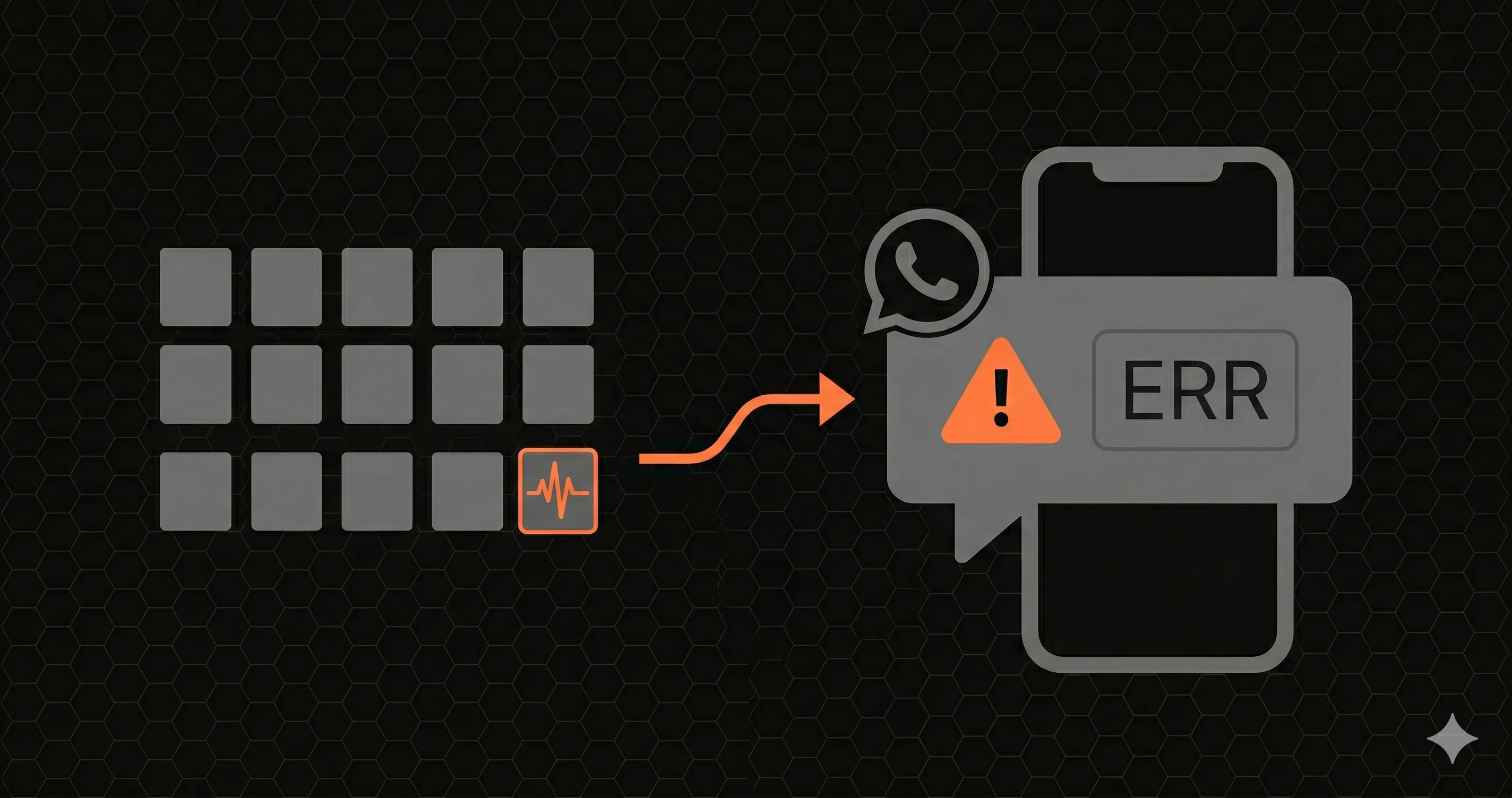
Your /api/checkout endpoint started returning 500 errors at 2:47 AM. Your monitoring tool sent an email alert at 2:48 AM. You read that email at 8:15 AM, five and a half hours later.
By then, 2,340 checkout requests had failed. Your Stripe webhook queue was backed up. Three customers had tweeted about it. Your co-founder found out from a customer support ticket, not from your monitoring system.
The monitoring worked. The alert channel didn't.
This article is about fixing that. Specifically: how to get a WhatsApp message on your phone shortly after your API goes down, using your existing Next.js app and a small amount of glue code.
Why LATAM and EU Devs Default to WhatsApp
If you're in Latin America, the answer to "how do I reach you right now?" is almost always WhatsApp. It's not just an app, it's the default communication layer. According to Statista, WhatsApp penetration in Brazil, Argentina, Mexico, Colombia, and Chile is over 90% of smartphone users. In Spain, Germany, and Italy it's similar. People check WhatsApp dozens of times a day for family, work, and everything in between.
For developer teams in these regions, using email or Slack for production alerts is fighting upstream. Your developers are already on WhatsApp all day. Routing critical alerts to a channel they actually pay attention to isn't a preference, it's the obvious choice.
Yet almost no API monitoring tool offers WhatsApp as a first-class alert channel. Most assume Slack and email are enough. They are not.
Why Email Alerts Fail at 3 AM
Email is where alerts go to die. The numbers are brutal:
- Average open rate for transactional email: 20-25%. That means 3 out of 4 alerts are never read.
- Gmail's Promotions/Updates tab catches most automated emails. Your "CRITICAL: API Down" alert sits between a Figma notification and a Vercel deploy summary.
- Do Not Disturb mode silences email notifications on most phones by default. If your API goes down at night, you won't hear it.
- Batching. iOS and Android batch non-priority notifications. Your alert might arrive in a notification summary at 7 AM alongside 40 other emails.
Email works for reports, summaries, and non-urgent notifications. It does not work for "your payment endpoint is down right now."
Why Slack Isn't the Answer Either
Slack is better than email, but it has its own problems for critical alerts:
- Channel noise. If your
#alertschannel also has deploy notifications, CI results, and bot messages, real alerts get buried. Teams with more than 10 channels develop notification blindness fast. - Mobile notifications are unreliable. Slack's mobile app aggressively batches notifications. "Read in Slack" reminders arrive minutes to hours late.
- Requires the app to be installed. Not everyone on your team has Slack on their phone. Contractors, part-time developers, and founders who wear multiple hats often miss Slack alerts entirely outside work hours.
- DND and Focus modes. Slack respects system DND on iOS and Android. At 3 AM, your phone is silent.
Slack is great for team communication and non-critical alerts. For "wake me up at 3 AM," you need something that bypasses every notification filter on the phone.
WhatsApp: The Alert Channel That Actually Gets Read
WhatsApp has a unique position on most developers' phones:
- 98% open rate. Messages are read, not filtered.
- Average read time: under 3 minutes. Most messages are read within seconds when the phone is active.
- Bypasses DND on most configurations. WhatsApp is typically whitelisted in DND and Focus modes because people use it for family and personal communication.
- No app fatigue. You already have WhatsApp. You already check it 50 times a day. There's no new app to install.
- Works globally. 2 billion users across 180 countries. Your developer in Buenos Aires, your contractor in Lagos, and your co-founder in Berlin all have it.
When your API goes down at 3 AM, a WhatsApp message is the difference between "fixed in 5 minutes" and "found out 5 hours later."
The DIY Approach: Building WhatsApp Alerts from Scratch
Since few monitoring tools support WhatsApp natively, you'll usually wire it yourself. Here's what's involved:
Option A: Twilio WhatsApp API
// You'd need:
// 1. A Twilio account ($15/month minimum)
// 2. A WhatsApp Business API approval (days to weeks)
// 3. A Twilio phone number ($1/month + $0.005/message)
// 4. Message template approval from Meta (required for proactive messages)
// 5. Your own monitoring logic to detect failures

import twilio from 'twilio'

const client = twilio(
  process.env.TWILIO_ACCOUNT_SID,
  process.env.TWILIO_AUTH_TOKEN
)

async function sendWhatsAppAlert(message: string, to: string) {
  await client.messages.create({
body: message,
from: 'whatsapp:+14155238886', // Your Twilio WhatsApp number
to: `whatsapp:${to}`,
  })
}

// But who calls this function? You still need:
// - A health check system that detects failures
// - A deduplication system (don't send 500 alerts for the same outage)
// - A recovery notification ("your API is back up")
// - Rate limiting (WhatsApp has strict message limits)
// - Template management (Meta requires pre-approved templates)
That's a lot of infrastructure for "tell me when my API is down."
Option B: Webhook chain
Some teams chain together UptimeRobot (free) + Zapier ($20/month) + Twilio to get WhatsApp alerts. This works, but:
- Three services to maintain and monitor (who monitors the monitor?)
- Zapier adds 1-5 minutes of delay per trigger
- Total cost: $35+/month before you send a single message
- Breaks when any link in the chain changes their API
Both approaches solve the delivery problem but create a maintenance problem. You're building monitoring infrastructure instead of your product.
Putting It Together: A Minimal Setup
If you go the DIY route, keep it small. The core is a check that runs on a schedule and only messages you when the state changes:
// check-and-alert.ts, run every minute from a cron job
// sendWhatsAppAlert() is the Twilio helper from Option A

let lastStatus: 'up' | 'down' = 'up' // persist this in a KV store or DB in production

async function check() {
  const res = await fetch('https://yourapp.com/api/health').catch(() => null)
  const status = res && res.ok ? 'up' : 'down'

  // Only alert on state changes: one message per incident, plus a recovery message
  if (status !== lastStatus) {
await sendWhatsAppAlert(
  status === 'down'
    ? 'API Alert: /api/health is DOWN'
    : 'Resolved: /api/health is back UP',
  process.env.ONCALL_PHONE!
)
lastStatus = status
  }
}
When your /api/checkout starts returning errors, detection time depends on your check interval: with a 1-minute cron you'll typically know within a minute or two. Your phone buzzes with a message like:
API Alert, yourapp.com

Endpoint: /api/checkout
Status: DOWN (HTTP 500)
Error rate: 94% (last 60s)
Started: 2:47 AM UTC
When the endpoint recovers, you get a follow-up:
Resolved, yourapp.com

Endpoint: /api/checkout
Status: UP (HTTP 200)
Duration: 4m 23s
Resolved: 2:51 AM UTC
Remember that WhatsApp Business messages sent outside a customer-initiated conversation need a pre-approved template, so register your alert and recovery templates before you rely on them.
Alert Channel Comparison: Pick the Right One
Most teams use a combination. Here's how to think about it:
| Channel | Best for | Delivery speed | Read rate | 3 AM reliability |
|---|---|---|---|---|
| Critical: downtime, payment failures | < 15 seconds | 98% | High, bypasses most DND | |
| Slack | Team awareness, non-critical alerts | < 30 seconds | ~60% | Low, silenced by DND |
| Reports, weekly digests, audit trails | 30s - 5 min | ~20% | Very low, batched/filtered | |
| SMS | Backup for WhatsApp, regions without WhatsApp | < 30 seconds | ~90% | High, but carrier dependent |
Recommended setup for a small team:
- WhatsApp for the on-call developer (critical alerts only)
- Slack for the team channel (all alerts for visibility)
- Email for weekly uptime reports and compliance records
Route per endpoint where your tools allow it: /api/checkout goes to WhatsApp, while /api/analytics goes to Slack only.
Alerts That Don't Spam You
The fastest alert in the world is useless if you get 200 of them during a single outage. Whatever you build or buy, make sure it has:
- Deduplication: One alert per incident, not one per failed request. If
/api/checkoutfails 500 times in 3 minutes, you get one WhatsApp message, not 500. - Recovery notifications: Automatic "resolved" message when the endpoint comes back, with incident duration.
- Cooldown periods: Configurable quiet periods between alerts for the same endpoint (default: 5 minutes).
- Severity routing: Send critical alerts (downtime) to WhatsApp, warnings (high latency) to Slack, and informational alerts (elevated error rate) to email.
You stay informed without being overwhelmed.
Which Monitoring Tools Actually Offer WhatsApp Alerts?
The honest answer: almost none. We checked the top 15 API and uptime monitoring tools. Here's the picture:
| Tool | WhatsApp alerts | How |
|---|---|---|
| Datadog | No | Slack, email, PagerDuty only |
| New Relic | No | Slack, email, PagerDuty only |
| Sentry | No | Email, Slack, Discord |
| UptimeRobot | No | Email, SMS, Slack, Discord |
| Pingdom | No | Email, SMS, Slack, webhook |
| Better Stack | No | Email, Slack, Discord, Teams, PagerDuty |
| Checkly | No | Email, Slack, webhook |
| StatusCake | No | Email, SMS, Slack, Discord |
| Uptime Kuma | DIY | Custom webhook to Twilio |
| Healthchecks.io | DIY | Custom webhook to Twilio |
No native options, two DIY-via-Twilio. If you need WhatsApp alerts today, plan on a webhook bridge to the WhatsApp Business API, as described above.
Get Started
- Pick how you detect failures: an uptime tool that can call a webhook, or a small cron script like the one above
- Set up a WhatsApp Business sender (for example through Twilio) and get your alert templates approved
- Connect detection to delivery, with deduplication and recovery messages
- Break a staging endpoint on purpose and confirm the message arrives
- Deploy and sleep easy
Next time your API goes down at 3 AM, you'll know in minutes, not 5 hours.
Related Articles
- Top PagerDuty alternatives for small teams
- Complete Next.js API monitoring guide
- Slack alerts for API monitoring
- Incident response for API teams
- REST API monitoring