Your API is the backbone of your product. When it goes down (or even slows down) your customers feel it. But most teams handle outages reactively: users complain, someone checks the logs, and 30 minutes later a response goes out on Twitter. A public status page flips this dynamic. It lets your customers check API health themselves, in real time, without filing a ticket.
In this tutorial, you'll learn what makes a good status page, how to set one up step by step, and how to embed uptime badges directly in your documentation or README.
What Is a Status Page and Why You Need One
A status page is a publicly accessible page that shows the current health of your API endpoints. Think of it as a live dashboard for your customers, no login required.
Here's why every API provider should have one:
- Transparency builds trustwhen customers can see uptime data themselves, they trust your service more. It signals confidence: you're not hiding anything.
- Reduced support ticketsduring an outage, the first thing users do is ask "Is it just me?" A status page answers that instantly, cutting support volume by 30-50% during incidents.
- Faster incident communicationinstead of writing individual responses, you update one page that reaches all affected users simultaneously.
- Competitive advantagemany APIs still don't have a public status page. Having one differentiates you as a serious, reliable provider.
- SLA accountabilityif you promise 99.9% uptime, a status page proves you deliver it. It's measurable, public, and verifiable.
DIY vs Hosted Status Pages
You have two paths: build it yourself or use a hosted solution. Here's the honest breakdown:
DIY Status Page
| Pros | Cons |
|---|---|
| Full control over design and layout | You need to build and maintain it |
| No vendor lock-in | Monitoring logic is on you (cron + curl isn't reliable) |
| Custom domain by default | If your infrastructure is down, your status page may be down too |
| No monthly cost | Engineering time isn't free, what's your hourly rate? |
A DIY status page typically involves a static site (hosted on a separate provider like GitHub Pages or Netlify) that reads from an external data source. The biggest risk is that your status page infrastructure is coupled to your main infrastructure. If your server goes down and your status page runs on the same server, visitors see nothing.
Hosted Status Page
| Pros | Cons |
|---|---|
| Ready in minutes, not days | Less design control (though most offer customization) |
| Independent infrastructure, stays up when you go down | Monthly cost for premium tools |
| Includes monitoring, not just display | Vendor dependency |
| Automatic uptime tracking and history | May require migration if you switch providers |
For most teams (especially startups and indie hackers) a hosted status page is the right call. You get monitoring and display in one tool, with zero maintenance overhead.
What a Good Status Page Shows
Not all status pages are equal. A page that just says "All systems operational" with a green dot is nearly useless. Here's what a good status page should display:
- Per-endpoint statusshow the health of each individual API endpoint, not just an aggregate. If
/api/paymentsis down but/api/usersis fine, customers need to see that distinction. - Uptime timelinea visual 30-day timeline showing when each endpoint was up, degraded, or down. This gives visitors historical context, not just a snapshot.
- Overall uptime percentagea clear number (e.g., 99.97%) that summarizes reliability over a rolling window. This is what SLA-conscious customers look for.
- Last check timea timestamp showing when the last health check ran. This proves the data is fresh, not cached from hours ago.
- Response time indicatoreven when status is "up," showing whether latency is normal or elevated helps customers understand partial degradations.
How to Set Up a Public Status Page, Step by Step
Whether you use a hosted tool or build your own, the setup follows the same four steps:
Step 1: Pick Your Endpoints and Start Checking Them
List the endpoints your customers actually depend on, for example, GET /api/health, GET /api/users, POST /api/orders. Point an external uptime check at each one, ideally from more than one region, so the data comes from outside your own infrastructure.
Step 2: Publish the Page on Independent Infrastructure
Enable the public page in your monitoring tool, or deploy your DIY page to a separate provider. Give it a stable, memorable URL, typically a subdomain like:
https://status.yourdomain.comAnyone with the URL can view the status page, no authentication required. That makes it easy to share publicly, link from your documentation, or post in your API changelog. Just make sure it does not run on the same servers it reports on.
Step 3: Choose What to Display
Decide which endpoints appear on the status page. Maybe you want to show your public-facing API routes but hide internal admin endpoints. Only list what customers can act on.
Step 4: Share the Link
Your status page is now live. Visitors see:
- Each endpoint's current status (up/down) with color coding
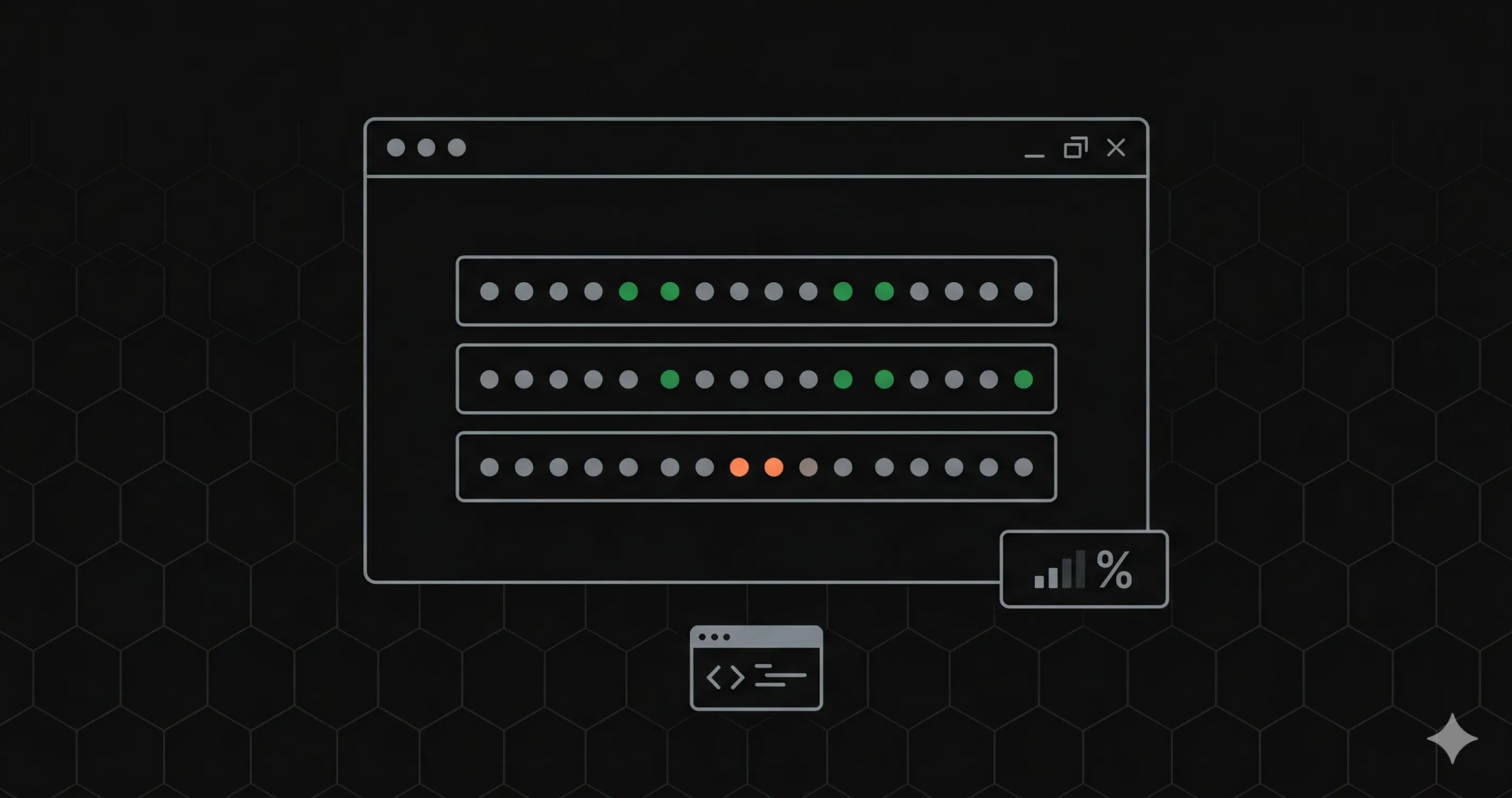
- A 30-day uptime timeline per endpoint
- Overall uptime percentage for the project
- The timestamp of the last health check
No login. No signup. Just a clean, fast page that loads in under a second.
Embeddable Uptime Badges
Beyond the status page, many uptime tools offer embeddable SVG uptime badges, similar to the build badges you see on GitHub READMEs. These are perfect for showing uptime directly where developers already look.
A badge is usually just an SVG served from a stable URL per endpoint. A typical color scheme:
- Greenendpoint is up and responding normally
- Yellowendpoint is up but latency is elevated
- Redendpoint is down or returning errors
Badges are usually cached for a few minutes to balance freshness with performance. Embed them in your:
- GitHub READMEshow uptime next to your CI/CD badges
- API documentationplace a live badge next to each endpoint description
- Landing pagedisplay real-time uptime on your marketing site
- Developer portalgive API consumers instant visibility
Here's how to embed a badge in Markdown:
And in HTML:
<img src="https://status.yourdomain.com/badge/your-endpoint-id.svg" alt="API Uptime" />How to Share Your Status Page with Customers
Having a status page is only useful if people can find it. Here are the most effective places to share it:
- API documentation footeradd a "Service Status" link at the bottom of your docs. Developers will look for it there first.
- Application UIif you have a dashboard or admin panel, add a small "System Status" link in the footer or help menu.
- Onboarding emailsinclude the status page URL in your welcome or setup completion email. Customers remember it when they need it.
- Support auto-responseswhen someone files a ticket, your auto-reply can include: "Check our live status page: [URL]". This deflects a percentage of outage-related tickets.
- HTTP response headersadd a custom header like
X-Status-Page: https://status.yourdomain.comto your API responses. Programmatic consumers can discover it automatically.
Status Page vs Monitoring: They Complement Each Other
A common misconception is that a status page replaces monitoring. It doesn't, they serve different audiences and purposes:
| Feature | Monitoring | Status Page |
|---|---|---|
| Audience | Your engineering team | Your customers and stakeholders |
| Purpose | Detect and diagnose issues | Communicate current health |
| Detail level | Full metrics (P95, DNS, TLS, TTFB, headers) | Simplified status (up/down, uptime %) |
| Access | Authenticated, internal only | Public, no auth required |
| Alerts | Slack, email, WhatsApp, SMS | Passive, visitors check when they want |
Ideally, the same health checks feed both. The checks that power your internal alerts also drive your public status page, so the two never disagree. One setup, two audiences.
Your monitoring dashboard shows the full picture, response time breakdowns, P50/P95/P99 latency, DNS resolution time, TLS handshake duration, and more. Your status page shows a curated, customer-friendly view of the same data.
Best Practices for Status Pages
A few guidelines to make your status page actually useful:
- Keep it honestdon't manually override statuses to hide incidents. Customers notice, and it destroys trust faster than the outage itself.
- Show individual endpointsan aggregate "all systems go" status hides partial outages. If payments are down but search works fine, show that.
- Use a separate domain or provideryour status page should survive your infrastructure going down. Hosted status pages handle this by running on independent infrastructure.
- Include a timelinea 30-day uptime timeline helps customers evaluate your reliability over time, not just in this moment.
- Update frequentlystale data is worse than no data. Automated checks at 1-5 minute intervals keep the page always current.
FAQ
Can customers see detailed metrics?
They shouldn't. The public status page should show a curated view: endpoint status (up/down), overall uptime percentage, a 30-day timeline, and the last check time. Detailed metrics like P95 latency, DNS resolution time, TLS handshake duration, and full response headers belong in your internal monitoring dashboard, behind authentication.
How often does the status page update?
It should always reflect the most recent health check result. With automated checks every 1 to 5 minutes, ideally from multiple regions, the status page stays within minutes of real time, no manual updates needed.
Can a public status page be free?
Yes. Several uptime monitoring tools include a basic public status page in their free tier, and a DIY page on a static host costs nothing but engineering time. Paid tiers usually add custom domains, branding and subscriber notifications. Compare what's included before you pick, for example in our Better Stack pricing breakdown.
Create Your Status Page Now
A public status page is one of the highest-leverage things you can add to your API. It builds trust, reduces support load, and shows customers you take reliability seriously, all with zero ongoing effort once set up.
Pick your endpoints, point external checks at them, publish the page on independent infrastructure, and share the link. Your customers will thank you, especially the next time something goes wrong.